

Step 1
Account type
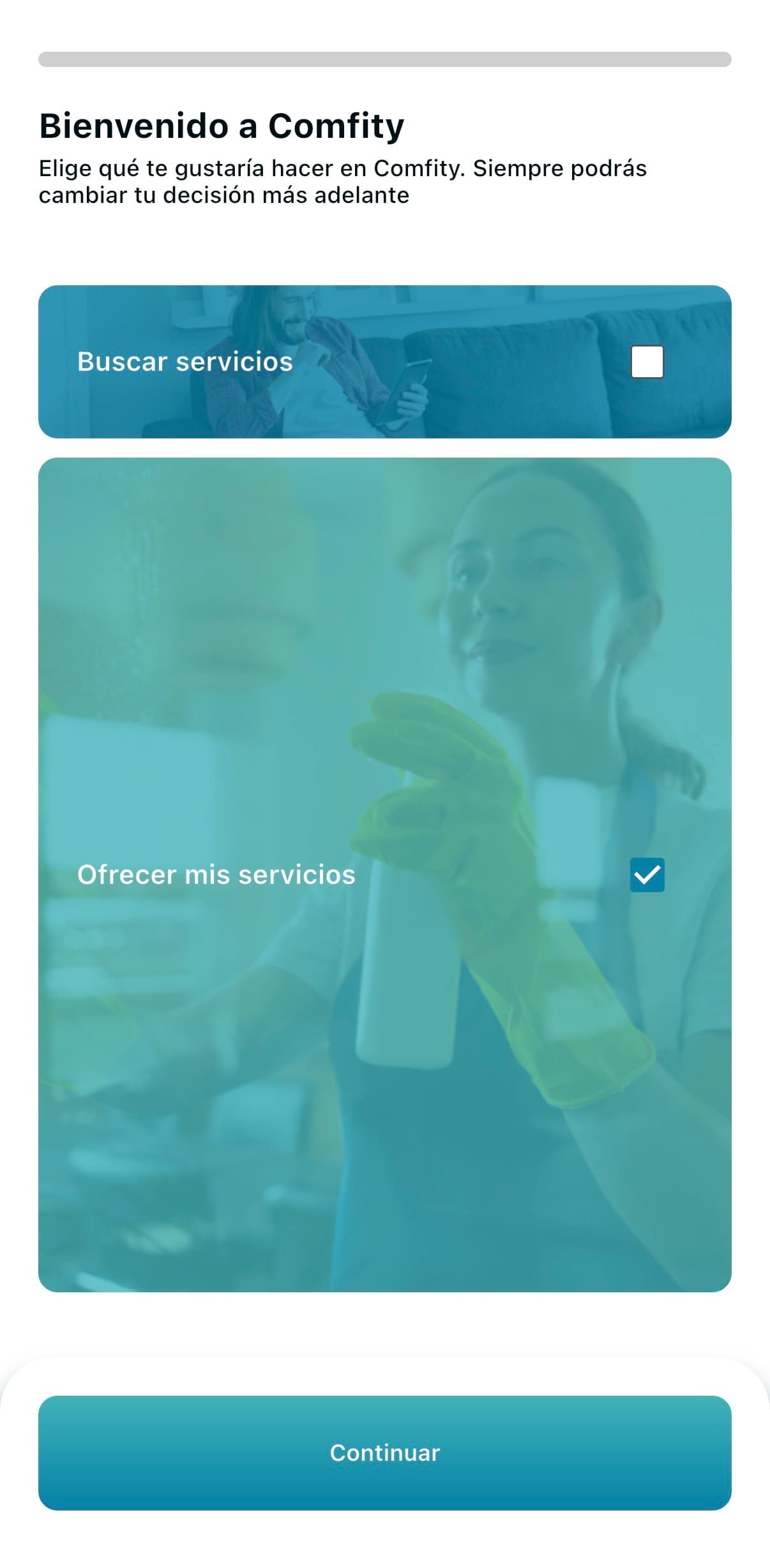
When you open the app for the first time, we ask which type of account you want. Pick "Offer my services" to start your professional profile and get jobs.
Guide for pros
A complete profile gets way more requests. Here's a screen-by-screen guide to make yours stand out.
Families see pros with photo, bio and clear services before everyone else.
A real photo and a clear bio make families reach out without overthinking it.
The more complete your profile, the better the jobs match what you actually want to do.
Step 1
When you open the app for the first time, we ask which type of account you want. Pick "Offer my services" to start your professional profile and get jobs.
Step 2
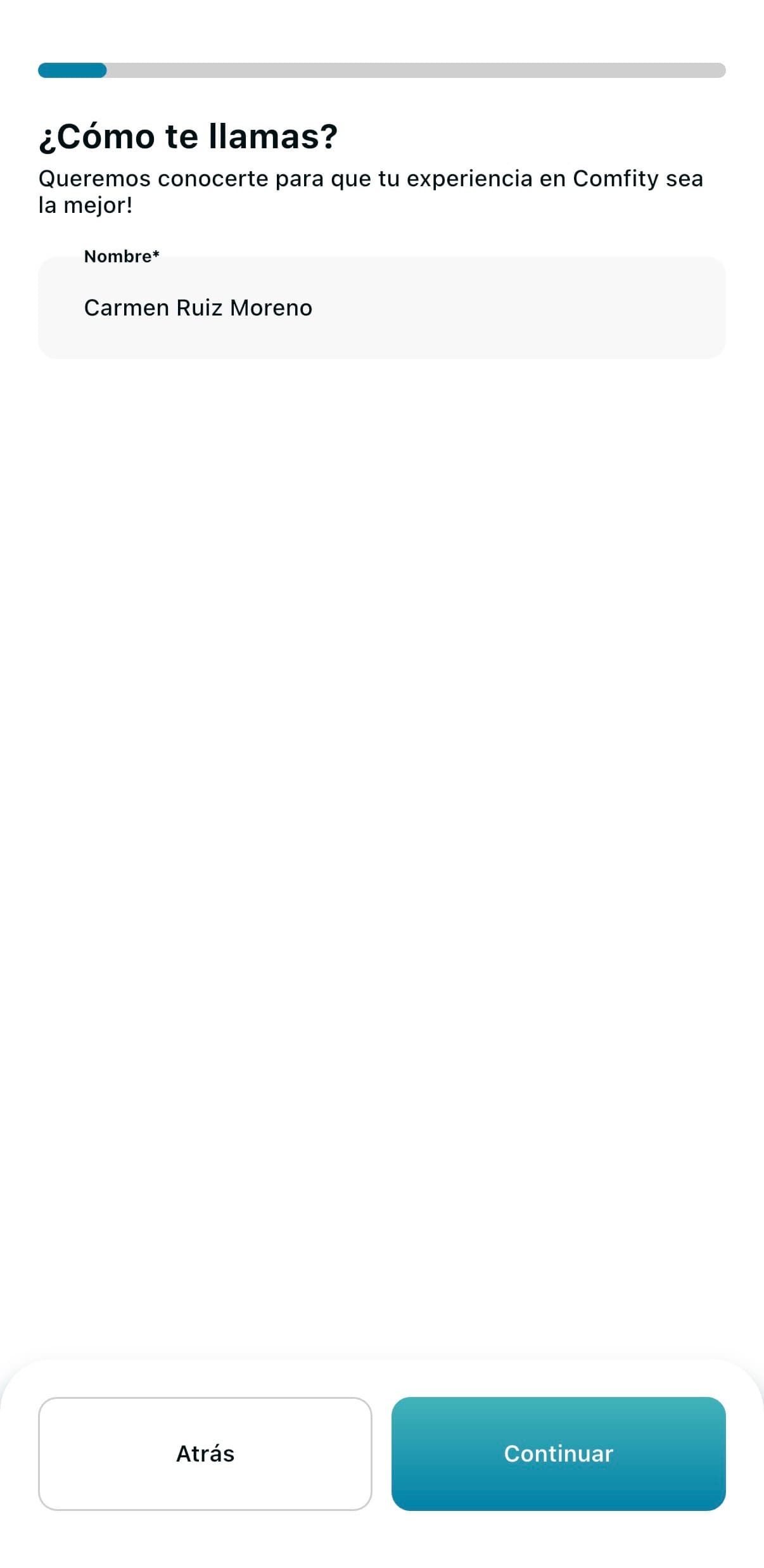
Use your real first name and surname — the same as on your ID. It's the first thing families see on your profile.
Tip
Use your real name, not a nickname. It builds trust instantly and avoids verification issues.
Step 3
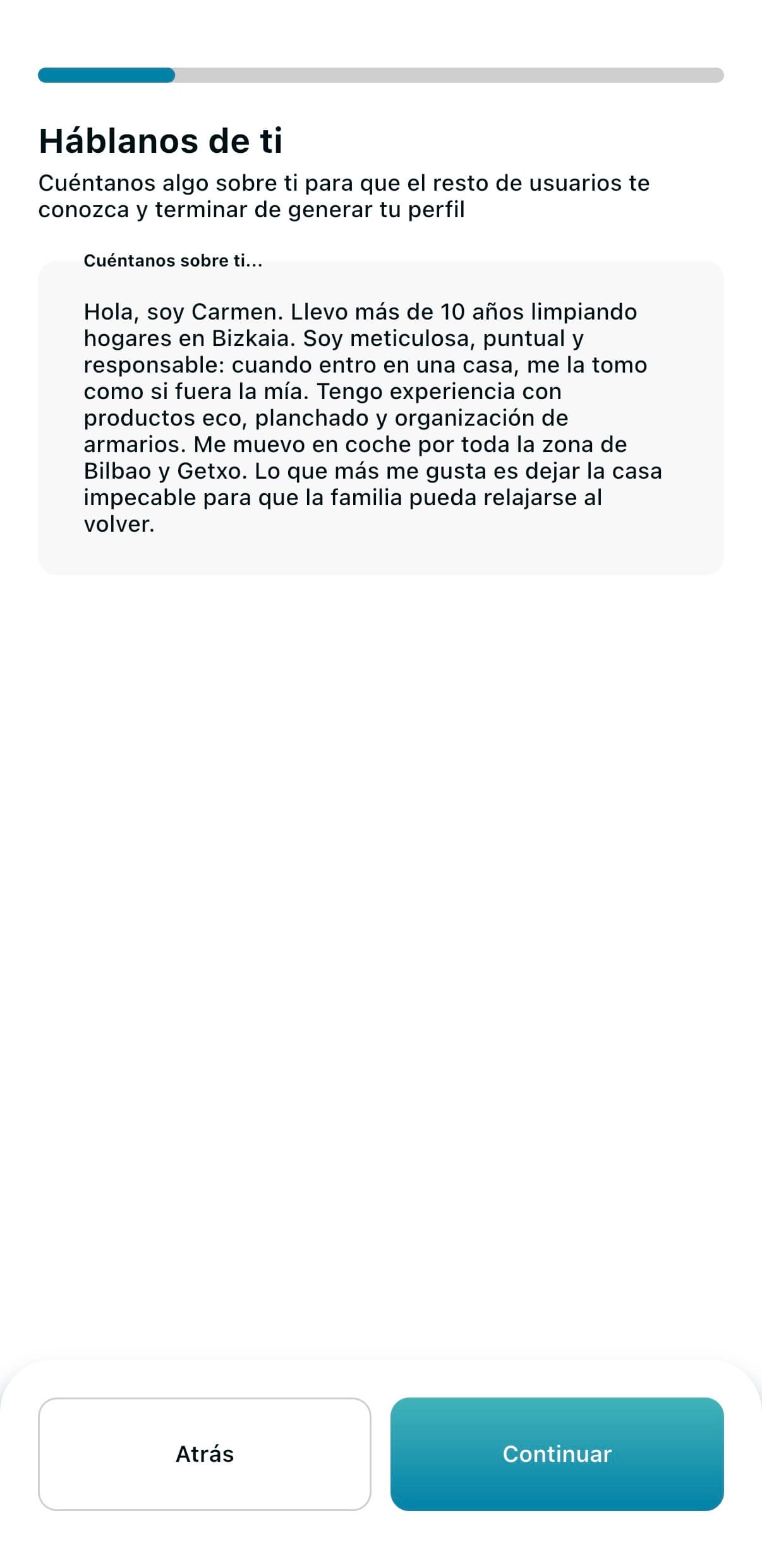
A short paragraph about who you are, your experience, and why someone should pick you. Think of it as your first "interview".
Tip
Start with your name and years of experience, say what makes you different, end with something human. e.g. "Hi, I'm Carmen. 10 years cleaning homes in Bizkaia. I'm meticulous with details and use eco products. I love leaving a home spotless so families can relax when they come back."
Step 4
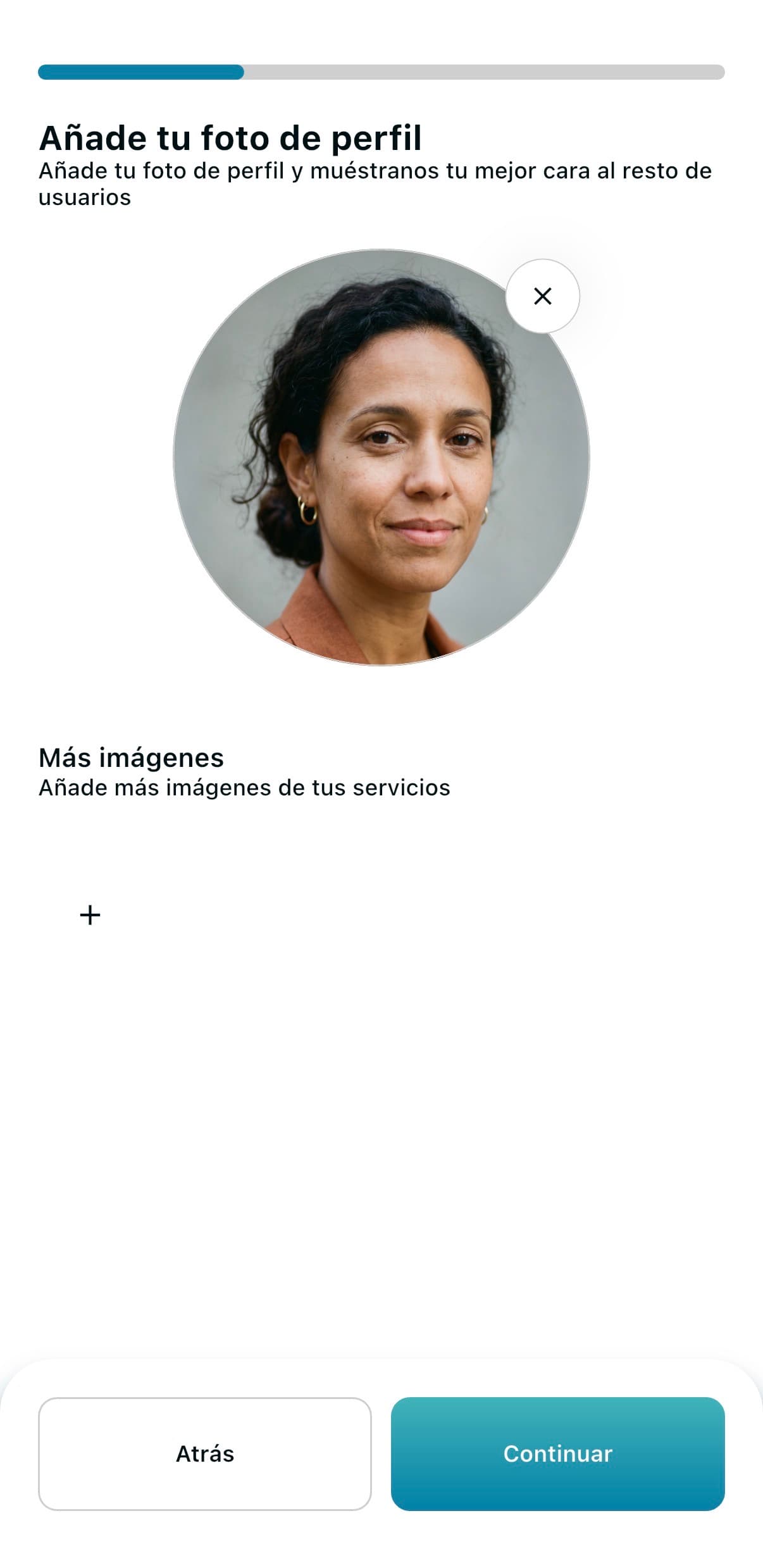
Upload a recent photo where your face is clearly visible. Families skip past profiles with no photo or with generic ones.
Tip
Recent, well-lit, smiling. No sunglasses, no group shots, no blurry crops. A selfie against a plain wall works great.
Step 5
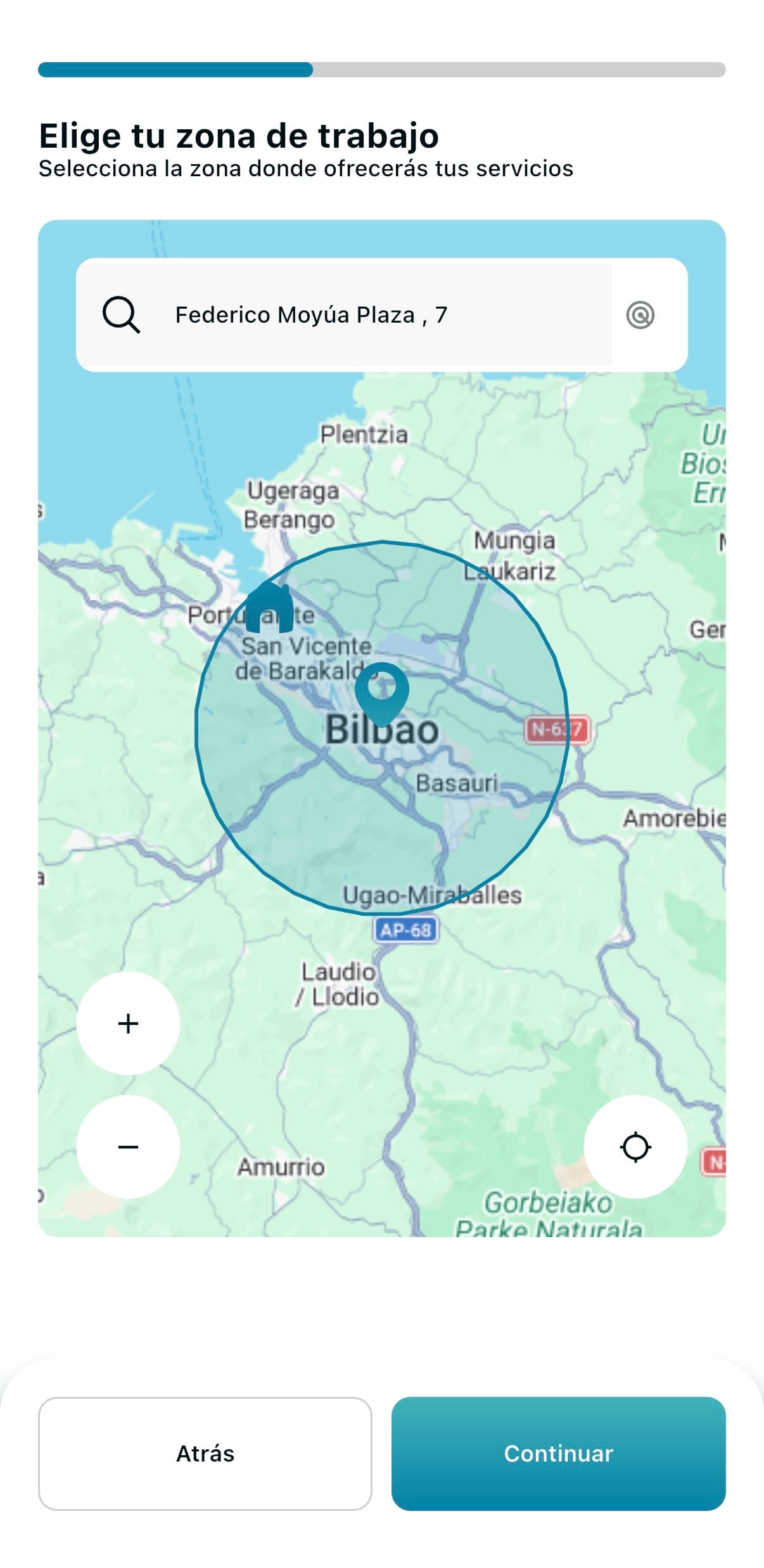
Set your location and a realistic radius. You'll only get jobs inside that radius.
Remember: You can change your area and radius any time from your profile.
Tip
Be realistic about travel. On public transport, set the radius to what's actually worth your time — a 2-hour job an hour away rarely pays off.
Step 6
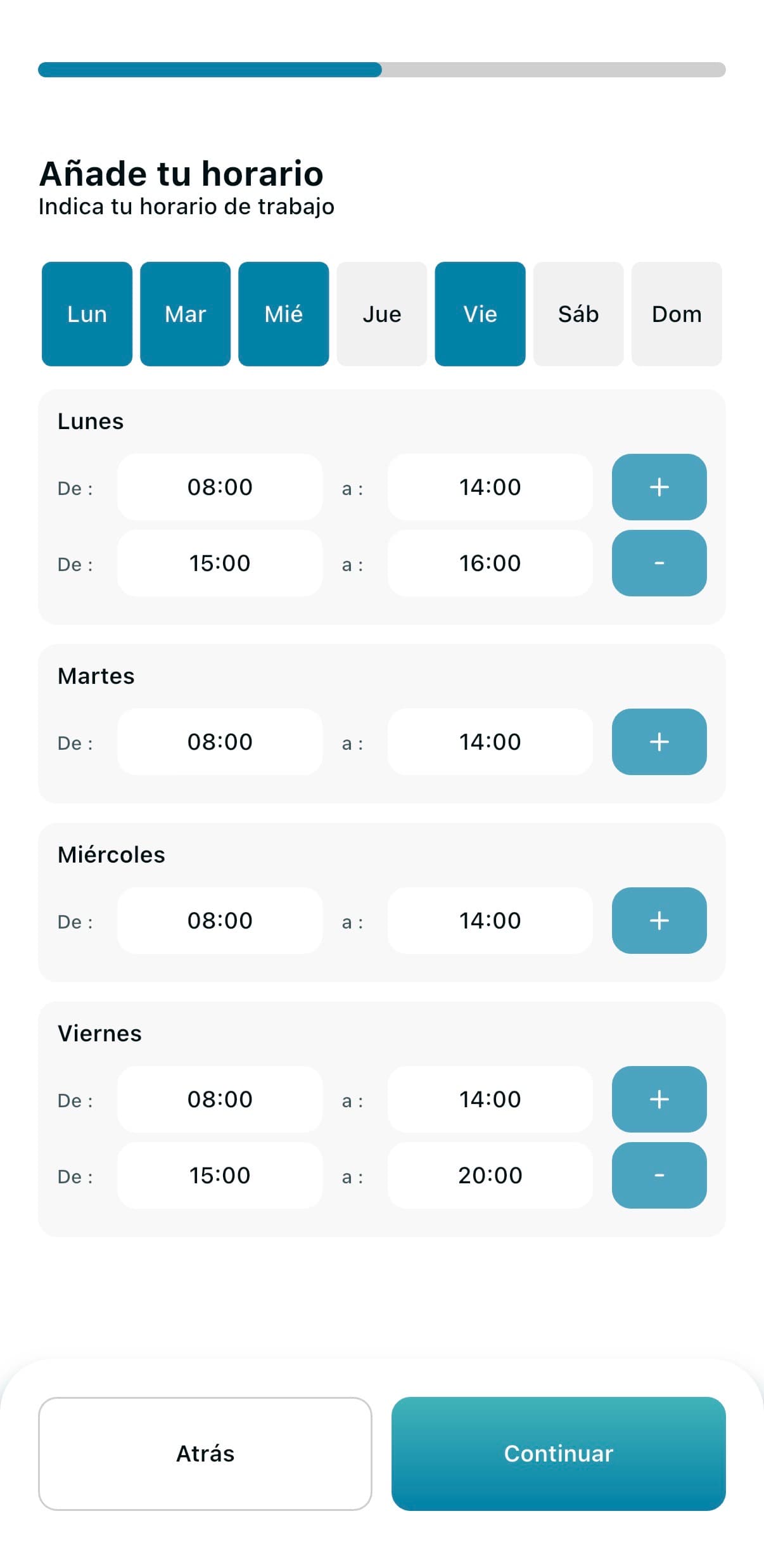
Mark the hours you can actually work. The more real availability, the more searches you appear in. You can add multiple time blocks per day (e.g. 9–1pm and 4–7pm) to match your real schedule.
Remember: You can adjust your schedule and time blocks any time from your profile.
Tip
Don't tick hours you'll have to decline later. If you reject lots of requests, families notice and you show up less.
Step 7
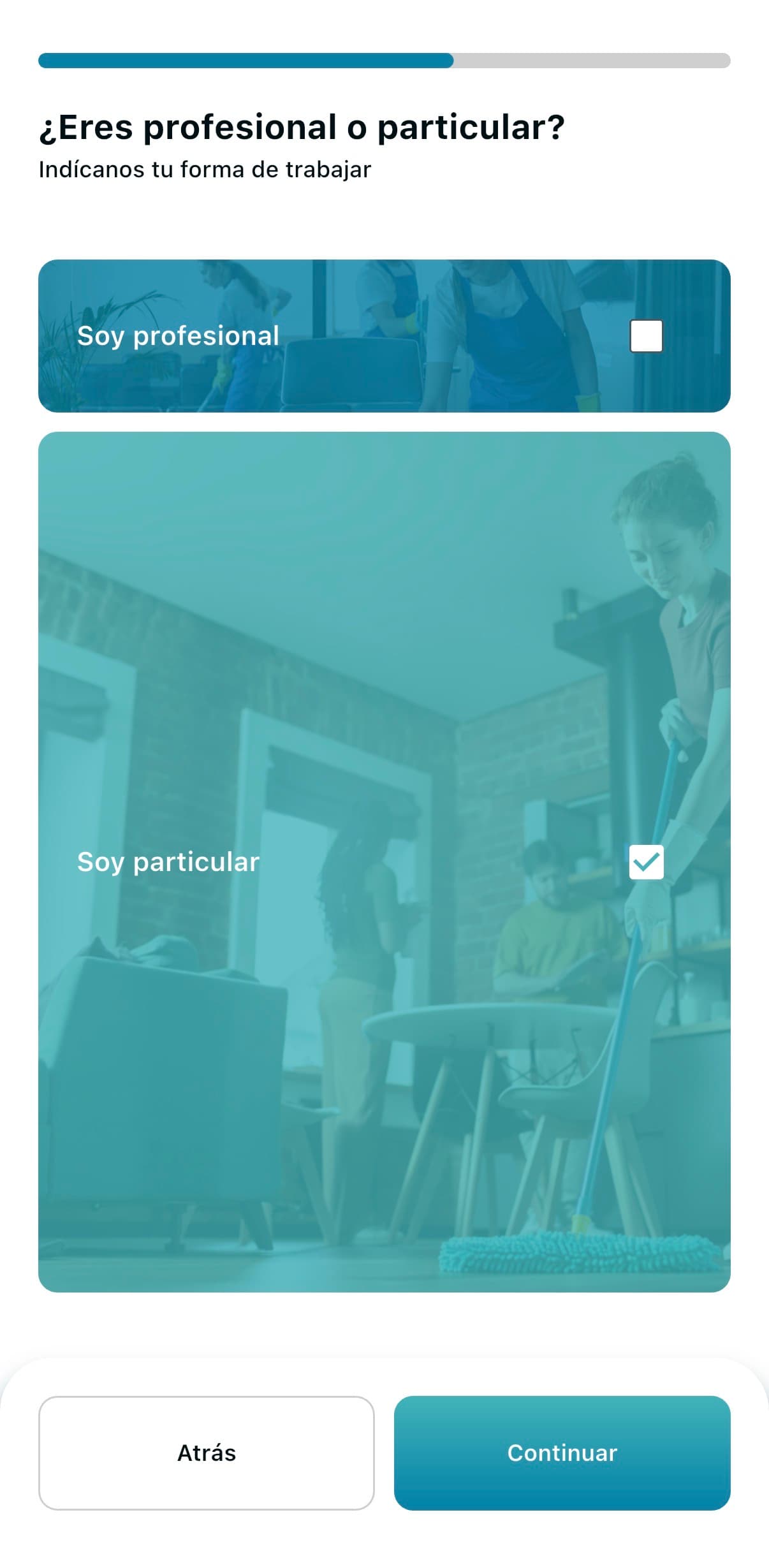
Tell us whether you're self-employed/a company or a private individual. We show this on your profile so families know if they can get an invoice.
Tip
If you're self-employed or run a company, mark it: there are families and businesses that only hire someone who can issue invoices, so it opens up more jobs.
Step 8
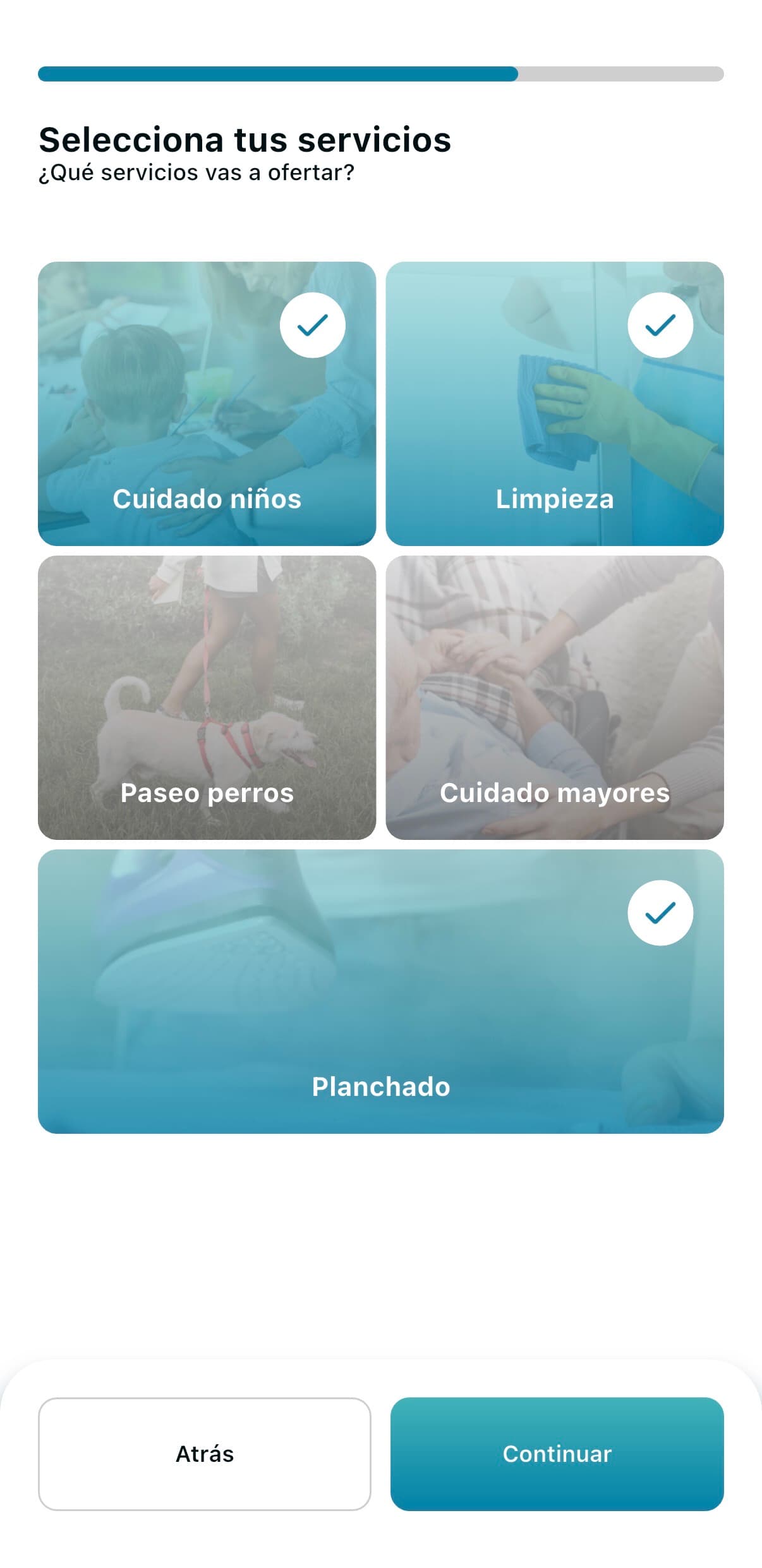
Tick every service you do well. The more services you tick (with quality), the more searches you show up in.
Remember: You can add or remove services any time from your profile.
Tip
Don't tick services you can't deliver — one bad review can cost you many jobs. If you do cleaning and ironing, tick both: families often search for the combo.
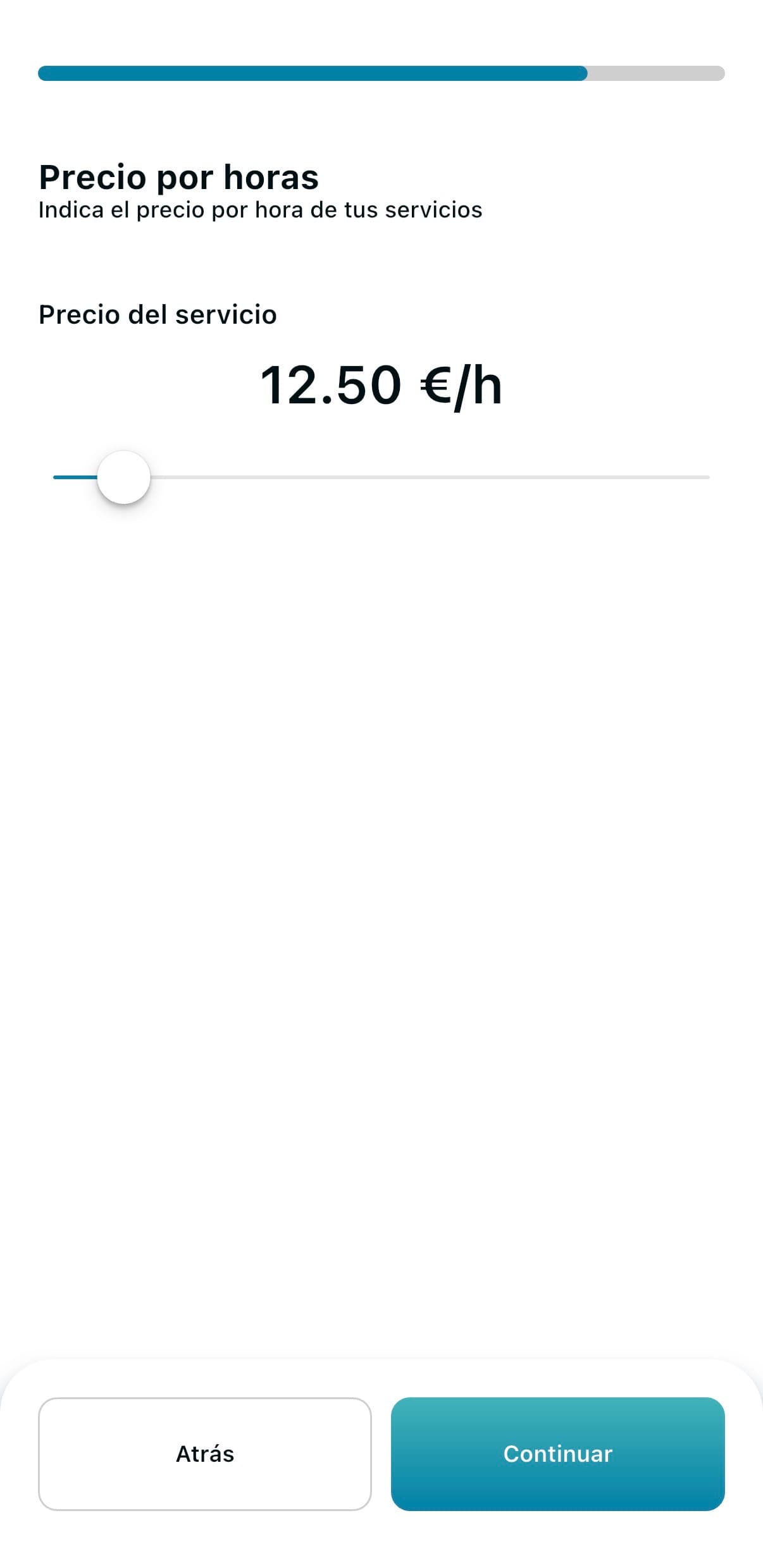
Step 9
You decide how much to charge per hour. To help you set a fair rate, inside the app you can see what other pros are charging in your area and adjust your price to the local market.
Remember: You can raise or lower your rate any time from your profile.
Tip
The minimum allowed on Comfity is €9.55/h — Spain's legal minimum wage. Above that, the price is up to you, based on your experience and the rates in your area.
Free tool
If you also want to present yourself outside Comfity (Facebook, WhatsApp, etc.), build your CV in minutes with our free tool. You get a PDF plus 3 ready-to-publish post versions.
Build my CV free